
Quick Answer
Yes — Game of Thrones: Kingsroad supports crossplay and cross-progression. Steam officially lists the game with Cross-Platform Multiplayer, and the official account linking guide lets you bind one account across mobile (iOS/Android) and PC, carrying your characters, gear, and quest progress between devices. There is no PlayStation, Xbox, or Switch version, and the Asia and Western server groups merge into one global service on October 14, 2026.
Field Notes
- • Link your account on day one through the official account linking flow so your progress is safe on every device you play.
- • Cross-progression carries characters, gear, and quest progress, but double-check platform-specific purchases with official support before spending heavily.
- • After October 14, 2026, everyone plays on the unified global service — transferred Western players keep separate rankings, exchange posts, and matchmaking regions.
Quick Answer
Yes — Game of Thrones: Kingsroad is crossplay and supports cross-progression between mobile and PC. The game's official Steam page lists it with the Cross-Platform Multiplayer feature tag, alongside Single-player and Online Co-op. On top of that, Netmarble published an official Account Linking Guide that walks players through binding one account across devices so progress follows you everywhere.
One account works across:
- iOS (App Store)
- Android (Google Play)
- PC (Steam — released May 14, 2026)
- Steam Deck (officially rated Playable)
There is currently no PlayStation, Xbox, or Nintendo Switch version. If you want to play on a TV or from the couch, Steam Deck or a PC connected to a television with a controller is the practical route — see our Steam Deck settings guide and controller support guide.

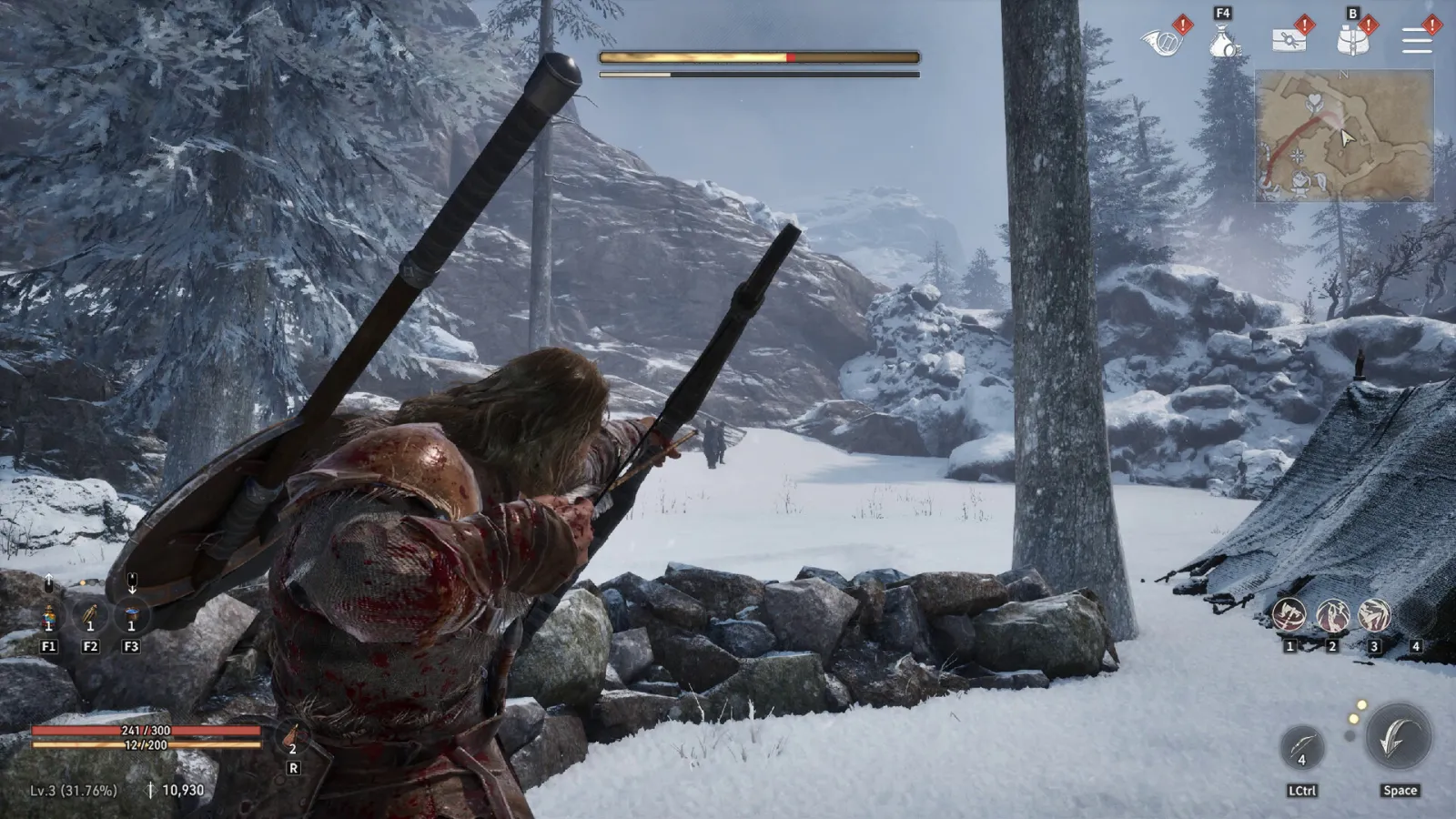
Image source: official Game of Thrones: Kingsroad screenshot via the Steam store page (© Netmarble).
How Cross-Progression Works in Kingsroad
Cross-progression means your save is not tied to one device. According to the official Account Linking Guide, once you log in with the same linked account on both platforms, your game progress, character level, gear, and quest milestones are connected to that one account regardless of where you play.
The practical flow looks like this:
- Create or confirm your account on your first device. On mobile you can sign in with your platform account; on PC the Steam client connects to your game account.
- Link your account through the official account linking flow (documented in Netmarble's Account Linking Guide on the game's official news page). This binds your mobile profile and your PC profile to the same identity.
- Log in anywhere. Your characters, inventory, and story progress appear on whichever device you launch next.
Community reports around the PC launch describe the experience as full cross-progression: players who started on mobile during the game's first year were able to continue the same characters on PC on day one of the Steam release.
What Cross-Progression Does Not Automatically Cover
Be careful with a few edge cases:
- Platform-exclusive purchases and storefront entitlements can be handled differently from character progress. Before making a large purchase on one platform, confirm with official support how it behaves if you primarily play on the other.
- Some login methods are per-platform. The account you use to sign in on mobile (for example a Google or Apple login) and the identity Steam knows about are only the same account after you complete linking. Players have reported confusion when they created separate unlinked profiles on each platform — link first, then invest time.
Is There Crossplay in Co-op and PvP?
The Steam listing's Cross-Platform Multiplayer tag covers the game's multiplayer modes. In practice:
- World bosses such as Drogon are shared open-world events, so mobile and PC players fight the same boss in the same world — our Drogon world boss guide covers the timer and channel-hopping strategy.
- Co-op raids are designed for groups of players tackling bosses too large to solo, and the game's co-op missions work across platforms. The September 30, 2026 update adds a new cooperative raid (the Firewyrm at the Altar of Lost Memories), following the same pattern as the Kraken raid.
- PvP is part of the endgame loop; matchmaking pools are organized by server region rather than by device — our PvP guide covers how to prepare.
The October 14, 2026 Server Merge ("As One Westeros")
In the September 22, 2026 developer's note, Netmarble announced that the Asia and Western servers will be unified into a single service on October 14, 2026. Three things change:
- One global build. The current Asia build becomes the worldwide build — the version you play simply expands its service region.
- Accounts and progress are preserved. Characters, assets, and overall progress continue as-is; nothing needs to be restarted or manually transferred.
- Region separation for competitive play. Players transferring from Western servers are placed into separate regions: existing Asian servers keep their own rankings, exchange posts, and matchmaking. You will not be thrown into direct ranking competition with players from the other side of the world.
For crossplay purposes, the merge simplifies things further: one service, one player base, and one set of events regardless of device.
Crossplay vs Cross-Platform: What Each Term Means Here
- Crossplay — playing with people on other devices: confirmed via the official Cross-Platform Multiplayer feature and shared co-op content.
- Cross-progression — moving your own save between devices: confirmed via the official account linking system.
- Cross-platform chat — the Steam listing includes in-game chat, so parties and communities span devices.
If you are deciding where to main your character, our mobile vs PC comparison breaks down performance, controls, and the free-to-play experience on each platform.
Frequently Asked Questions
Can I start on mobile and switch to PC later?
Yes — that is exactly what account linking is for. Start on whichever device you have today, link your account, and log in on PC (or Steam Deck) whenever you want. Your story progress, characters, and gear travel with you.
Do I need to buy anything twice for mobile and PC?
The game is free to download on every platform, so there is no base purchase to duplicate. For in-app purchases, confirm platform-specific entitlements with official support before spending heavily, since storefront policies can differ from account-bound progress.
Does crossplay work with a controller on mobile?
Yes. Kingsroad supports controllers on PC (Xbox and DualSense controllers are listed on Steam) and controller support extends to mobile. If you play on a phone, our controller support guide and mobile touch troubleshooting guide cover setup and fixes.
Is Steam Deck crossplay the same as PC?
Yes. The Steam Deck runs the PC build — your linked account, progress, and multiplayer work the same as on a desktop PC. The official Steam Deck rating is Playable, and our Steam Deck settings guide covers the settings that matter most.
Guide Navigation
Continue Reading
Classes
8 min readBest Class in Game of Thrones: Kingsroad – Tier List, Builds & Beginner Picks
Find the best class in Game of Thrones: Kingsroad by player type, including beginners, solo players, mobile players, damage-focused players, and survivability-focused players.
Classes
8 min readGame of Thrones: Kingsroad Class Tier List
A current Game of Thrones: Kingsroad class tier list for Assassin, Knight, and Sellsword, ranked for damage, survivability, progression, mobility, and beginner comfort.
Beginner
14 min readGame of Thrones: Kingsroad Beginner Guide — Your First 10 Hours Explained
A structured beginner guide for Game of Thrones: Kingsroad covering your first day, core systems, progression path, platform choice, F2P mindset, and early priorities for new players.
Steam Deck
12 min readBest Steam Deck Settings for Game of Thrones: Kingsroad
A practical Game of Thrones: Kingsroad Steam Deck settings guide covering frame rate, graphics, battery, heat, controller comfort, UI readability, Proton checks, and handheld performance testing.
FAQ
Is Game of Thrones: Kingsroad crossplay between mobile and PC?
Yes. Steam officially lists Game of Thrones: Kingsroad with the Cross-Platform Multiplayer feature, and cooperative content such as world bosses and co-op raids can be played together across mobile and PC through the official account system.
Does Kingsroad have cross-progression?
Yes. The official Account Linking Guide lets you bind the same account across devices. Once linked, your characters, equipment, levels, and quest milestones carry over between mobile and PC.
Is Kingsroad on PS5, Xbox, or Nintendo Switch?
No. As of September 2026 the game is available on iOS, Android, and PC (Steam, released May 14, 2026), with Steam Deck marked Playable. There is no console version.
Related Guides
Settings
Game of Thrones: Kingsroad Mobile vs PC: Which One Should You Actually Play?
PC wins for story, boss fights, and controller support; mobile wins for daily grinding and short sessions — and cross-progression means you can use both. Real device reports, current mobile controller status, and the hybrid strategy Kingsroad players actually use. Updated September 2026.
Settings
Game of Thrones: Kingsroad Controller Support Guide
A practical Game of Thrones: Kingsroad controller support guide covering gamepad setup, Xbox and PlayStation controllers, Steam Deck controls, button prompts, camera tuning, lock-on, input delay, and keyboard vs controller choices.
Steam Deck
Best Steam Deck Settings for Game of Thrones: Kingsroad
A practical Game of Thrones: Kingsroad Steam Deck settings guide covering frame rate, graphics, battery, heat, controller comfort, UI readability, Proton checks, and handheld performance testing.
FAQ
Game of Thrones: Kingsroad FAQ
Frequently asked questions for Game of Thrones: Kingsroad players, covering beginner advice, builds, settings, controller support, Steam Deck, and patches.